Other settings
The Settings screen has these sections. Tap Save to apply a change.
7.1 Behavior
Enable Offline Collection: see Working without internet. Leave it off on a shared device if you want a new sign-in each time the app opens.
7.2 Company and servers
Company Code, with Resolve: see First access. The server addresses (API Base URL, Keycloak Base URL) are filled in from the company code. Only if your company asks, turn on Advanced configuration to edit them.
7.3 Account and signing out
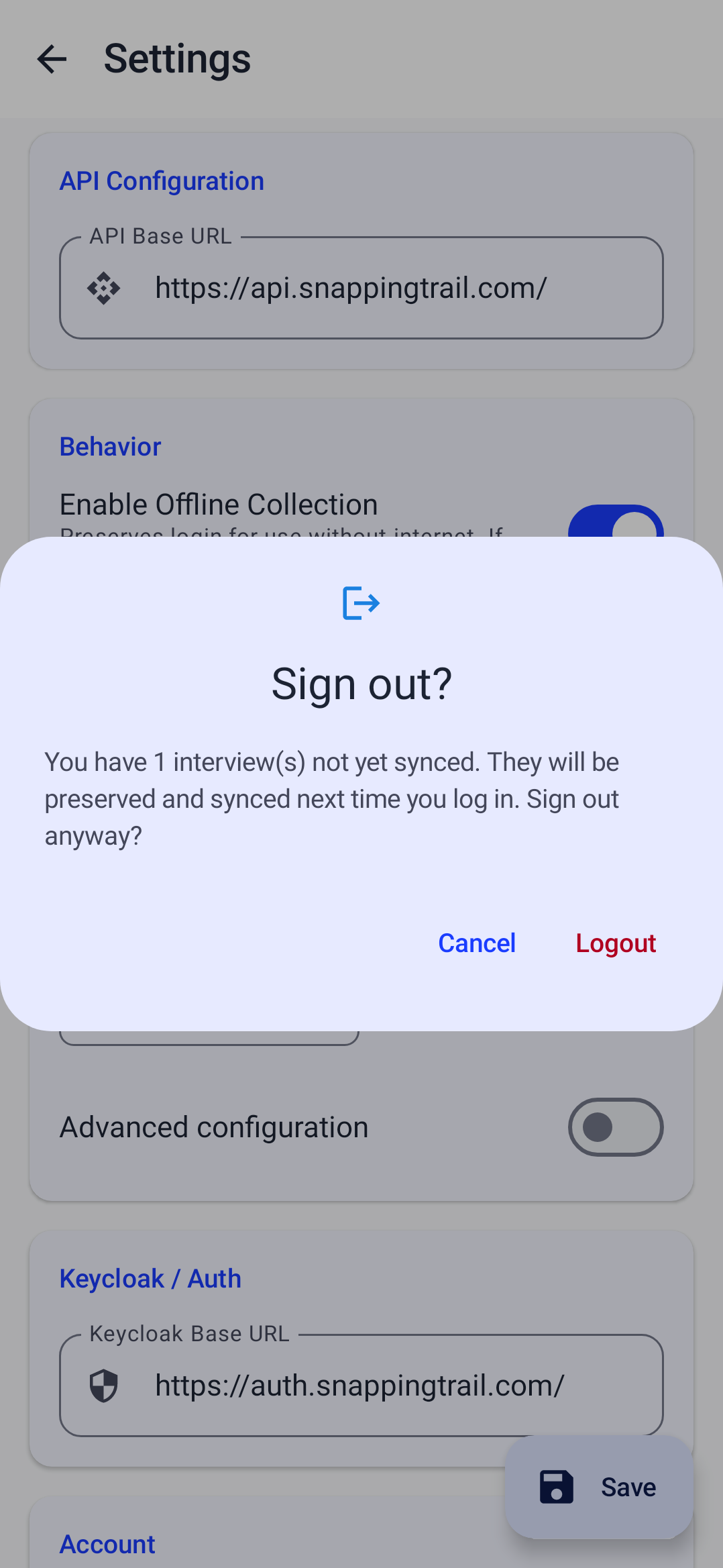
Account shows your Last online sign-in and Logout. If interviews of yours are still waiting to be sent, the app warns you first: "You have N interview(s) not yet synced. They will be preserved and synced next time you log in. Sign out anyway?" Signing out removes your sign-in and the downloaded surveys from the device, but keeps the interviews waiting to be sent.
7.4 Language
The app starts in English. It switches to your company's language when you validate the company code or sign in. On Android 13 and later you can also choose the app's language in the device's settings for the app.